Full-page capture
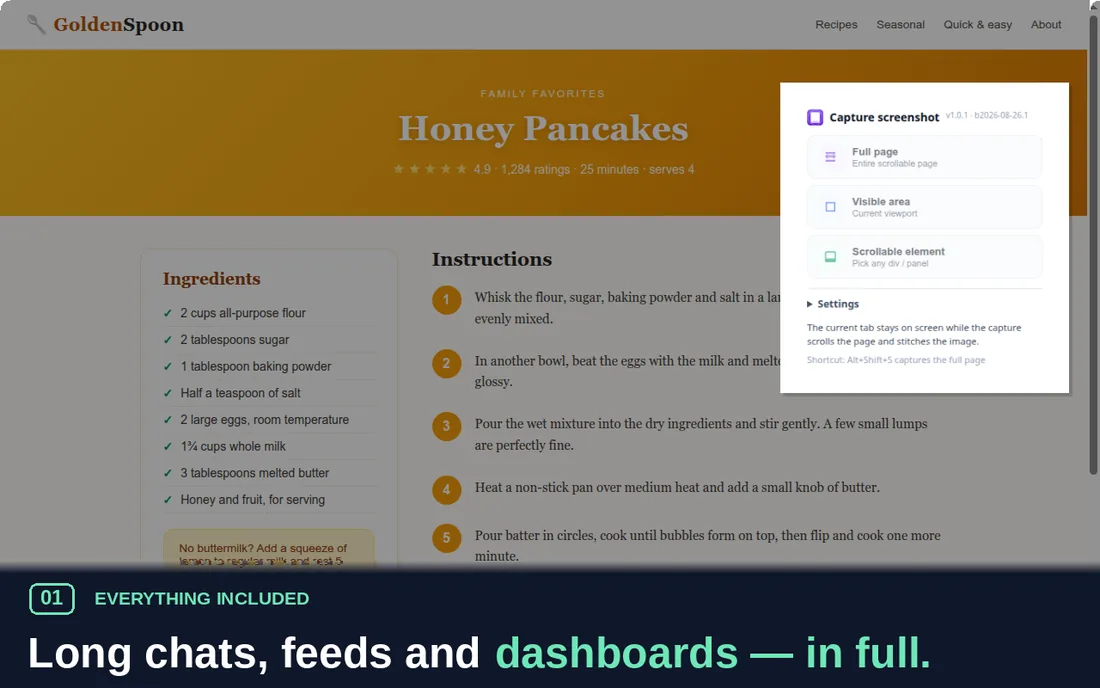
One seamless image, however long the page. Fixed headers appear once — not fifty times.
 PageCapture
Add to Chrome
PageCapture
Add to Chrome
Free · No account · Works offline
PageCapture scrolls long pages for you, stitches every pixel into one seamless screenshot, and hands you an editor to mark it up — right inside Chrome. Nothing ever leaves your device.
No sign-up. No watermarks. No telemetry.
Or press Alt+Shift+S. The tab stays on screen while PageCapture scrolls it from top to bottom.
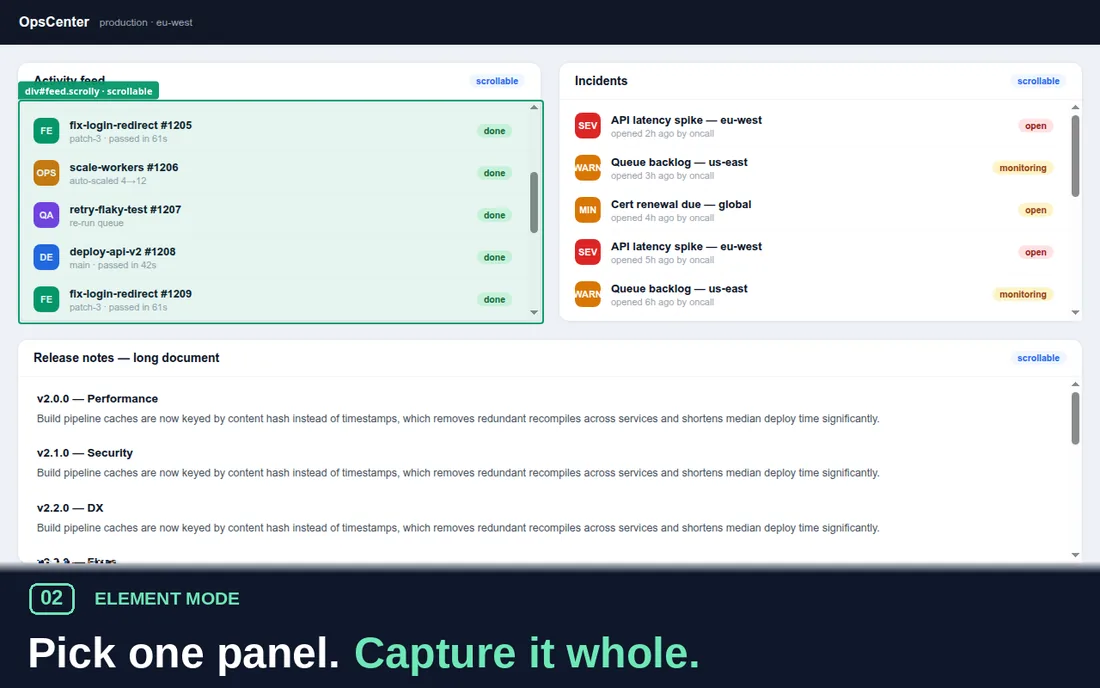
The whole page, just the visible area — or any scrollable element: hover a panel, feed or thread until it glows green, then click.
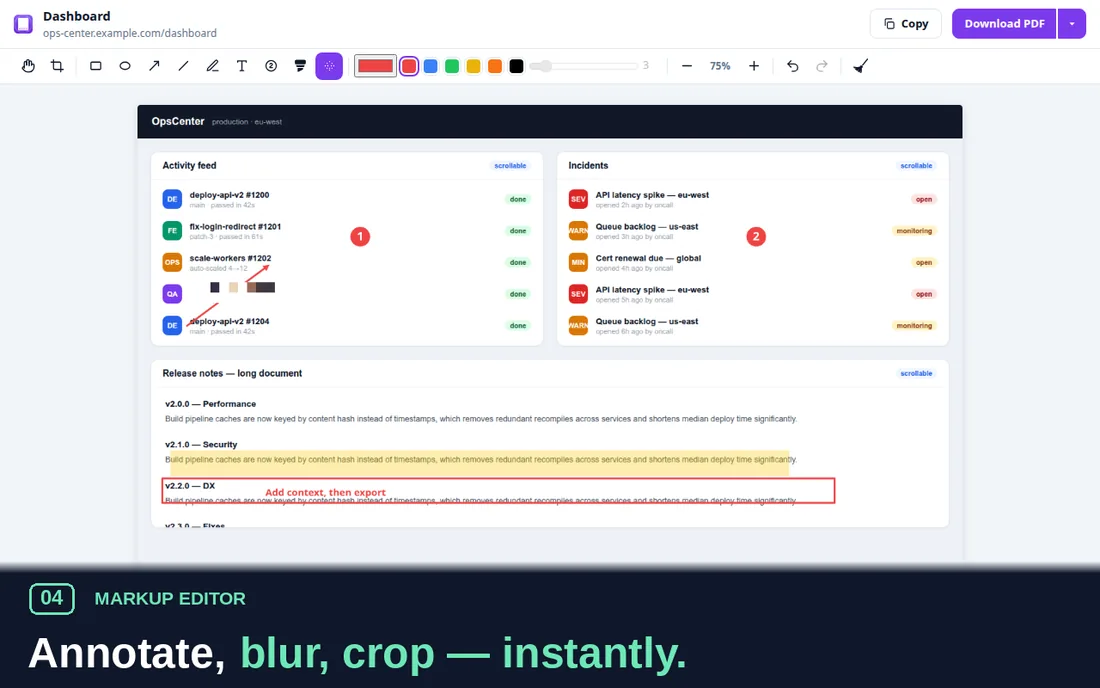
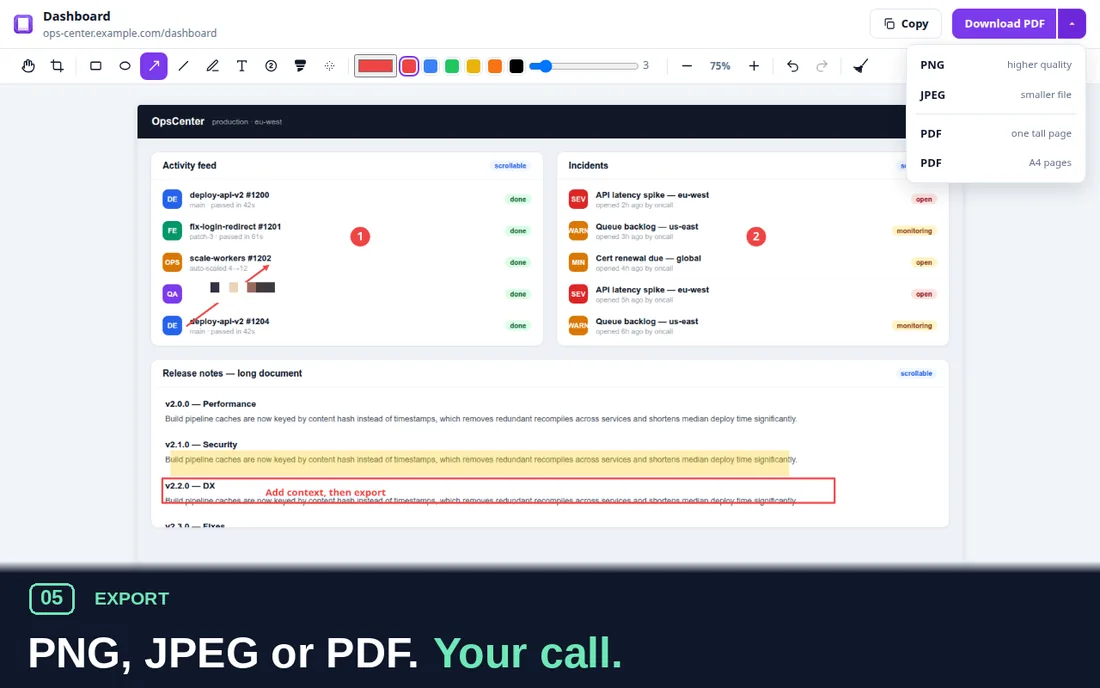
Crop, annotate, pixelate secrets, then export PNG, JPEG or a print-ready PDF. One click to the clipboard, too.
One seamless image, however long the page. Fixed headers appear once — not fifty times.
Scrollable panels, chat threads, feeds, tables — captured whole, without the rest of the site.
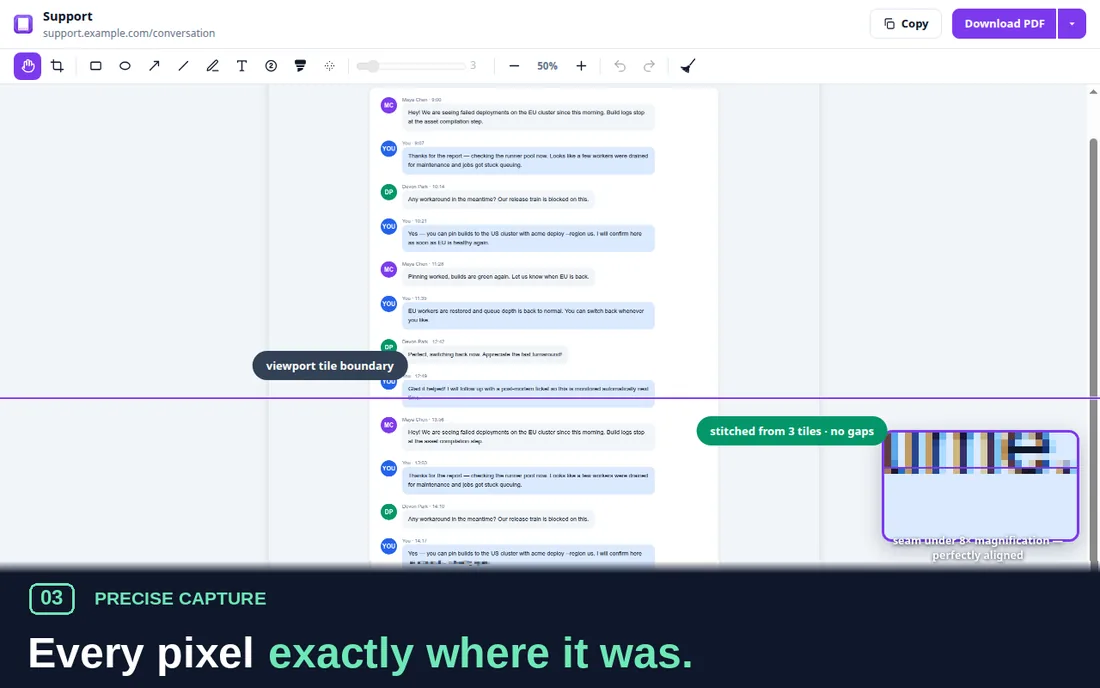
Tiles are placed at their true scroll offsets — text stays crisp from the first row to the last.
Arrows, shapes, freehand, text and numbered step badges — plus a highlighter and pixelation for secrets.
PNG for lossless, JPEG for size, PDF for print — A4 sheets cut at clean boundaries, never mid-line.
No account, no analytics, no network requests. Captures live in your browser and clean up after themselves.
The extension requests no broad host permissions and makes no network requests — there is no server to send anything to.
Yes — no license, no account, no watermark, no "pro" tier gating the useful parts.
Chrome, and Chromium-based browsers like Edge, Brave, Arc and Opera. It needs Chrome 116 or newer.
Yes. It only touches the tab you capture, after you click — intranets, webmail and admin consoles behave like any other page.
That is the capture: the browser can only photograph what is on screen, so PageCapture scrolls the real page and stitches the frames back together — pixel-accurately. It returns the page to where it was.
Yes — one tall page or A4 sheets. Long captures are sliced at clean boundaries (never through a line of text), so the PDF prints nicely.
That's the most useful thing you can send. Bug reports with a URL are gold — most get fixed within days. Ideas and gripes are just as welcome: this tool is shaped by the pages it fails on.
Prefer email? Write directly.
Free · Chrome 116+ · nothing leaves your device